Setting up Dial Up on Windows Vista
To start click on the Start Menu

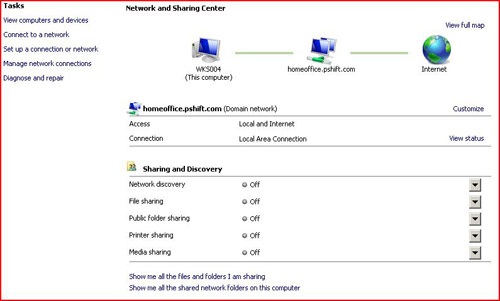
Click on Control Panel then Click on Network and Sharing Center

Click Set up a Connection or Network
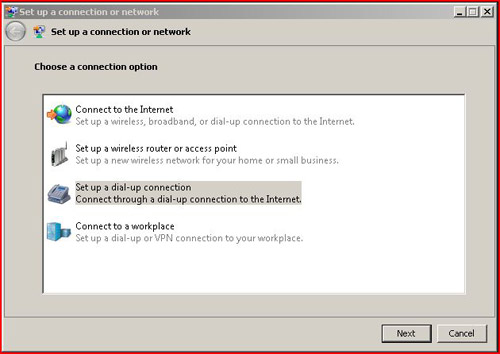
Choose Dial Up Connection and Click Next
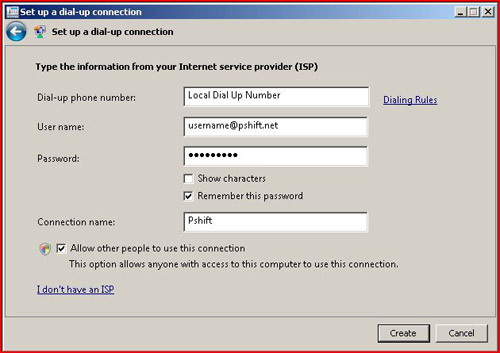
Enter your Local Dial up Number, Power Shift User Name and Password and Click Finish.